
A face-tracked VTuber maker. Expressions viewers can read.
GuiseApp reads your webcam and drives a 2D stream avatar in real time. The rendered overlay gets its own window, so OBS and Streamlabs pick it up like any other source.
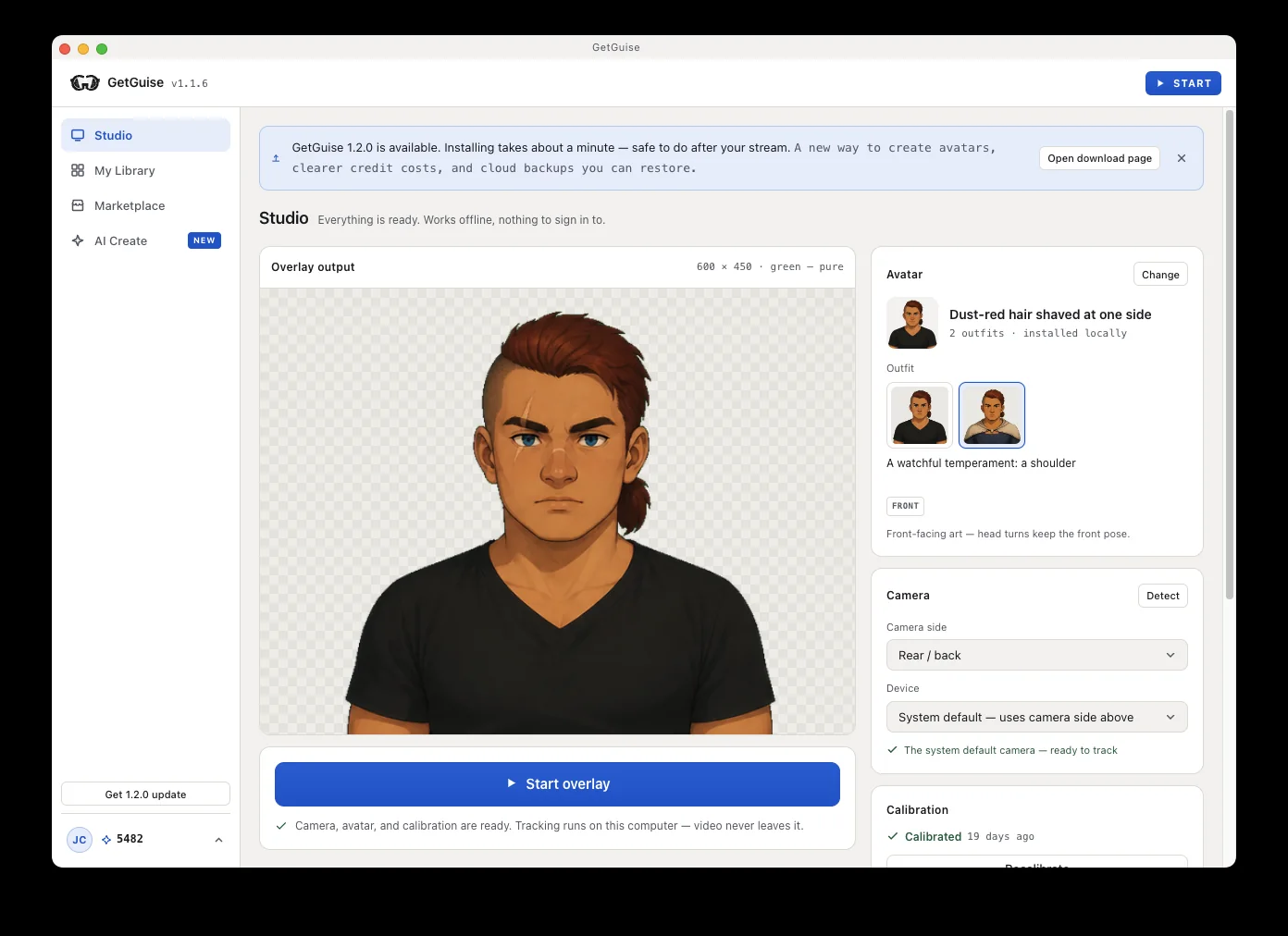
Open the app. It's already tracking.
Studio opens with the camera detected and nothing to sign in to. Calibration measures your face, not the character, so you do it once and it applies to every avatar you install.
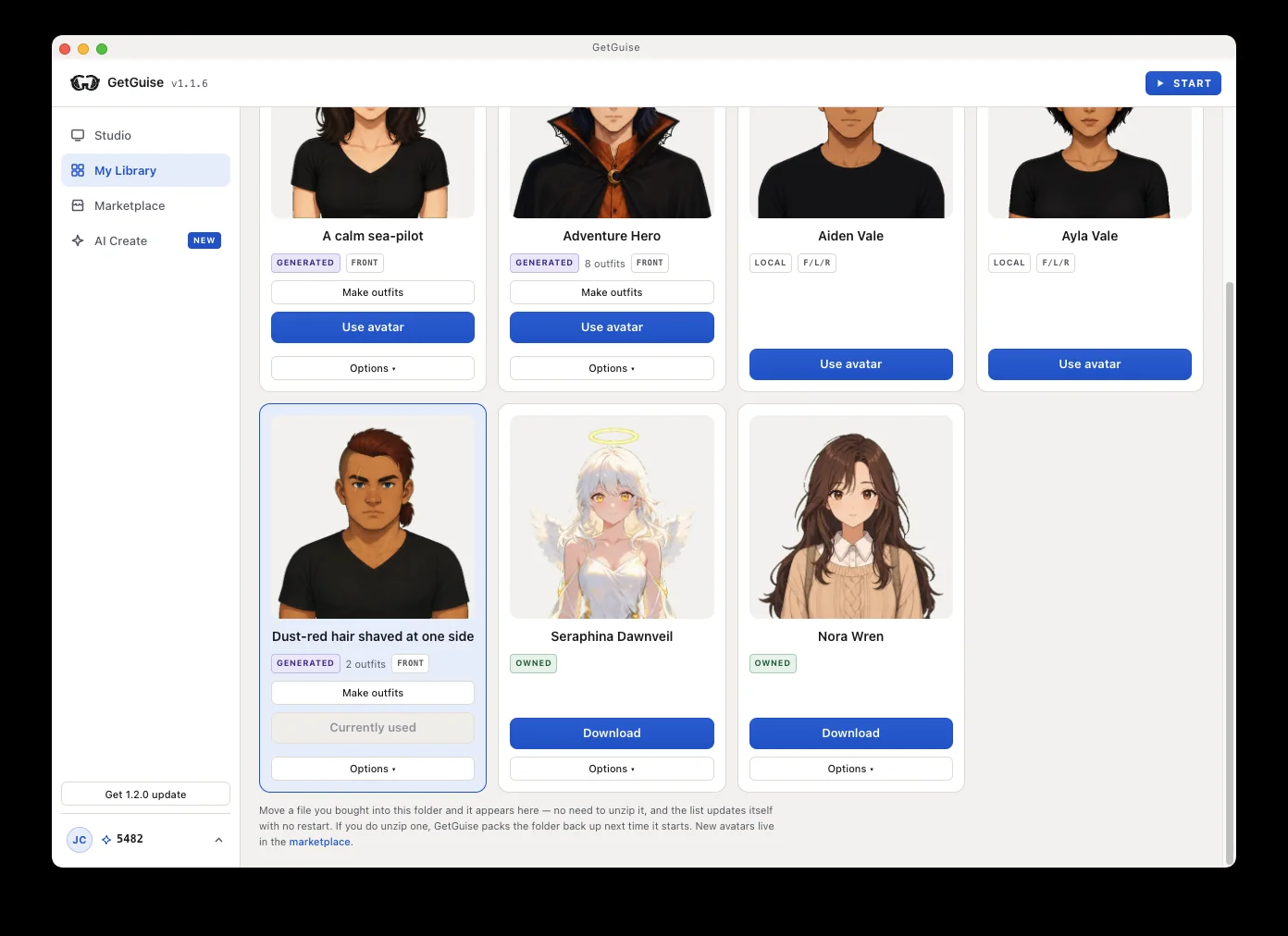
Choose the avatar you have.
The bundled avatars install with the app and seed into your own folder on first run — no account, no download. The in-app Marketplace has more; signing in unlocks the ones you've bought.
Capture the window. Go live.
Hit Start overlay and the window floats above everything else, so a plain Window Capture never goes blank behind a browser. Prefer a Browser Source? The engine serves one locally on your own machine.
The full setup, step by step →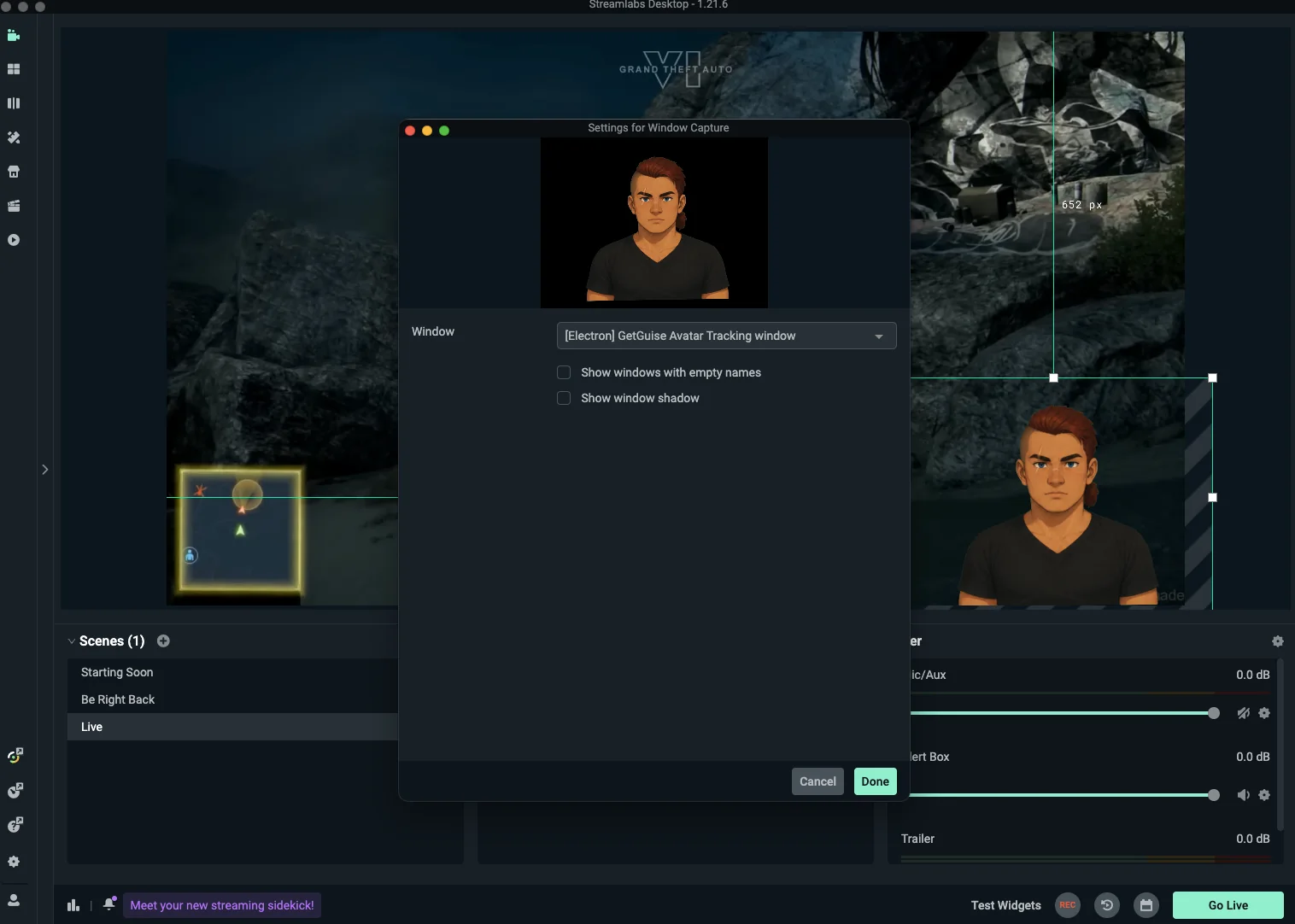
A look inside
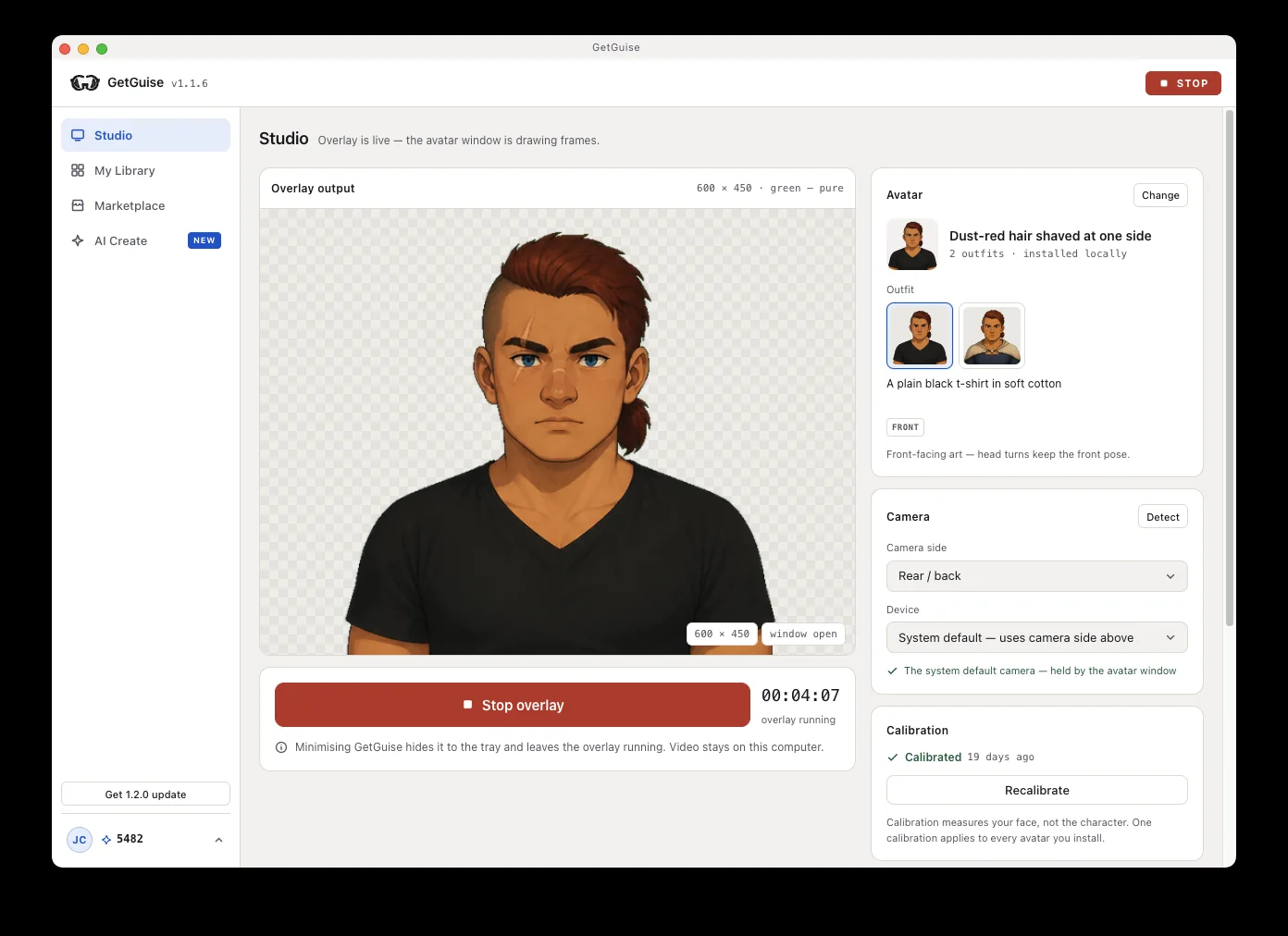
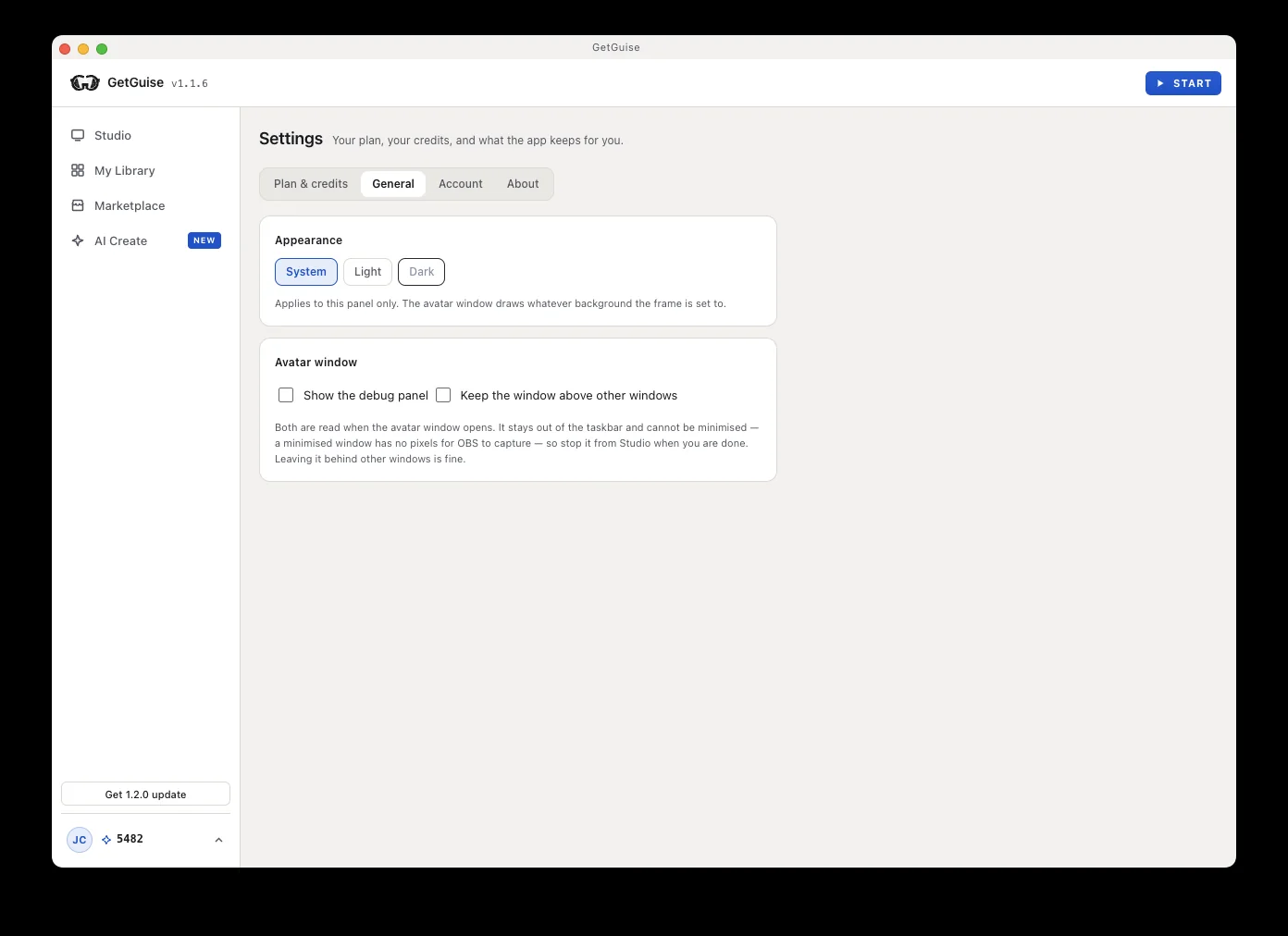
Studio, My Library, Settings. The overlay window is the only part your viewers ever see.
Real-time tracking
Your webcam drives the avatar frame by frame. No mocap rig, no phone on a stand.
Drops straight into OBS
A plain Window Capture or a local Browser Source. No plugin to install, and you can pin the window above your other apps if you want to.
Characters, not sliders
Every avatar arrives as a finished character with its own look. Nothing to rig, no mesh of sliders to fight for an hour.
Yours to keep
Avatars sit in a folder you own. Going offline never costs you one you already have.
Not sure this is the thing you are making? How to become a VTuber lays out all four routes with what each one costs. And if you came looking for the still-image kind, the PNGTuber maker is this same app described for that job.
Questions,
answered
Do I need an account?
No account to start. Tracking, calibration, the overlay and the bundled avatars all work signed out. Sign in only to download or use avatars you've bought.
Does my webcam video go anywhere?
No. The tracking runtime and its model are bundled inside the app and run locally, so no camera frame leaves your machine and nothing is fetched from a CDN mid-stream.
Will it work with OBS and Streamlabs?
Two ways: a Window Capture pointed at the always-on-top avatar window, or a Browser Source pointed at the engine running locally. There's no virtual camera yet.
What do I need to run it?
A Windows PC and a webcam. No capture card, no green screen, no depth camera.
Windows warned me about the installer.
The app isn't code-signed yet, so SmartScreen flags it on first run. Choose More info → Run anyway. Signing is on the list.
What happens if I go offline?
Everything you own keeps working. Ownership is checked when the app can reach the server and simply not enforced when it can't — being unable to ask is not evidence of not owning. Art you made yourself is never checked at all.